
Keeping Your Devices and Data Safe While Traveling
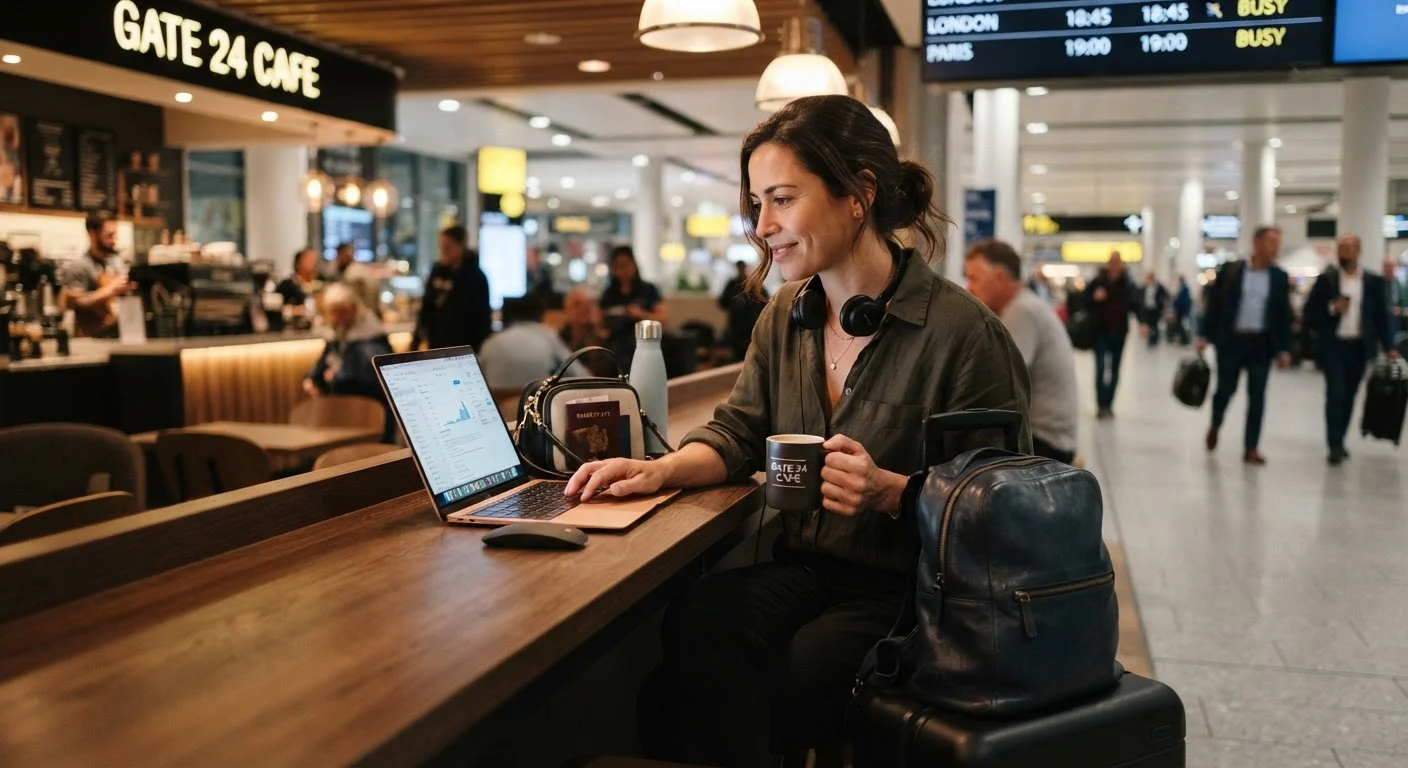
Photo credit: FaqBulletin.com | Information Made Easy
In this article
Public Wi-Fi, charging stations, and unfamiliar networks all carry risk. Here's how to protect your digital life on the road.
Key Takeaways
- Public Wi-Fi networks at hotels, airports, and cafes expose your data to significant risk.
- A VPN (Virtual Private Network) encrypts your connection and is one of the most effective travel security tools.
- USB charging stations can transfer malware — carry your own charger and a power bank instead.
- Enable two-factor authentication on all important accounts before you leave home.
- Keep device software updated and activate remote-wipe features before every trip.
Why Travel Opens You Up to Digital Risk
Your devices face more threats when you travel than when you're at home. You're connecting to unfamiliar networks, using shared charging infrastructure, and often distracted — which makes you a more attractive target for opportunistic data theft. These aren't abstract dangers: cybersecurity researchers consistently find that open Wi-Fi networks in airports, hotels, and cafes are prime environments for packet sniffing, where someone nearby can intercept unencrypted data passing between your device and the router.
The good news is that a handful of deliberate habits dramatically reduce your exposure. Think of digital security as part of the pre-trip checklist — right alongside pre-departure document checks for the whole family.
Use a VPN whenever you connect to any network you don't control.
A VPN encrypts the data leaving your device before it hits the router, making intercepted traffic essentially unreadable. This is especially critical on open networks with no password, which offer zero built-in encryption.
Avoid USB public charging stations — use your own charger or a power bank.
A technique called "juice jacking" allows a tampered charging port to transfer malware or harvest data while your device charges. Your own wall charger or a fully charged power bank eliminates this vector entirely.
Enable two-factor authentication (2FA) on email, banking, and social accounts before departure.
If login credentials are somehow captured on a public network, 2FA means a stolen password alone isn't enough for an attacker to access your account. This single step blocks the majority of automated credential-stuffing attacks.
Update your device's operating system and apps before leaving home.
Security patches in software updates close known vulnerabilities that attackers actively exploit. Traveling with outdated software is like leaving a window cracked — most intrusions target well-documented weaknesses.
Activate Find My Device and remote-wipe features on all devices you're bringing.
If a phone or laptop is lost or stolen, remote-wipe lets you erase sensitive data before anyone can access it. Location services also give you a fighting chance of recovering the device quickly.
Use a privacy screen on laptops and phones in crowded public spaces.
Shoulder surfing — where someone nearby reads your screen — is a low-tech but surprisingly common way to steal passwords, account numbers, or sensitive correspondence. A privacy filter limits the viewing angle to directly in front of the screen.
Quick Actions You Can Take Before You Leave Home
Most travelers don't realize how much safer they can be with just 30 minutes of prep before departure. The steps below cost nothing and pay dividends the moment you connect to a hotel Wi-Fi network.
Staying Smart on the Road
Even with solid prep, in-the-moment choices matter. When you sit down at a coffee shop or hotel lobby, pause before tapping "Join Network." Ask staff for the exact network name — attackers sometimes create convincing look-alike hotspots named things like "Hotel_Guest_Free" when the real one is "HotelGuestWiFi."
Avoid accessing banking, tax records, or healthcare portals on public networks whenever possible. If you must, confirm your VPN is active first. For families juggling multiple devices and a complex itinerary, a little digital discipline fits naturally alongside the broader goal of stress-free travel — the same mindset covered in our family trip budgeting guide, where small oversights compound into big headaches.
“Security is not a product, but a process. The most dangerous phrase in security is 'it probably won't happen to me.'”
— Bruce Schneier, Security technologist and author of multiple books on cybersecurity
Finally, consider the physical dimension of device security. A laptop left visible on a car seat is an invitation. Keep devices in bags out of sight — a practice that overlaps neatly with the smart car packing strategies that keep your whole vehicle organized and theft-resistant.
43%
Travelers who use public Wi-Fi without a VPN
According to surveys conducted by cybersecurity advocacy groups, nearly half of travelers connect to public networks without any encryption layer protecting their data.
1 in 3
People who have experienced a cyber incident while traveling
Industry security research suggests roughly one in three frequent travelers has encountered some form of account compromise, data theft, or device infection tied to travel-related network use.

Author
Travel Editorial Team
Travel Editorial Team is the collective byline for our editorial team and contributor network. Articles published under this byline or an editorial pen name are researched, written, and reviewed according to our editorial standards for clarity, consistency, and independence before publication.
View all articles →