
Pen-and-Paper Budgeting vs. Spreadsheets vs. Apps: Which Format Fits Your Life?
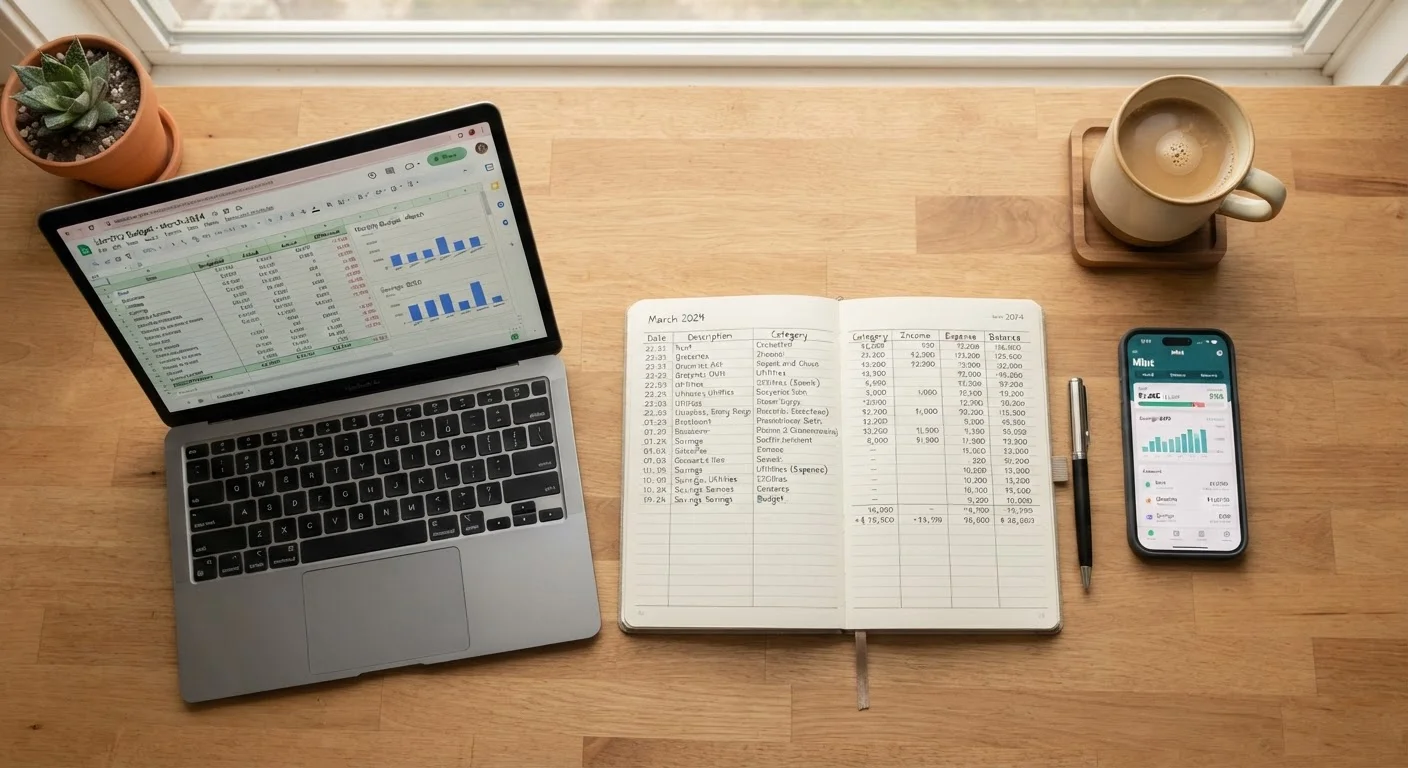
Photo credit: FaqBulletin.com | Information Made Easy
In this article
Each budgeting format has real tradeoffs. This comparison helps you pick the one most likely to match how you actually think and work.
Key Takeaways
- No single budgeting format is universally better — consistency with a method you'll actually use beats theoretical perfection.
- Pen-and-paper works best for tactile learners and those who want zero screen distraction.
- Spreadsheets offer maximum flexibility for people comfortable with basic formulas and custom layouts.
- Apps reduce setup friction and automate transaction syncing, but require trust in third-party data access.
- Switching formats mid-stream is fine — the right tool is the one you return to every month.
Why Format Actually Matters
Most budgeting advice skips straight to the numbers — income, expenses, savings rate. But whether you stick to a budget long enough to see results depends heavily on the format you use to track it. A system you abandon after two weeks delivers nothing, no matter how well-designed the categories are.
The three most common formats each carry distinct advantages and friction points. Understanding those tradeoffs helps you choose a starting point that fits how you already think and live. If you're still deciding on a budgeting method (zero-based, 50/30/20, etc.), see our comparison of popular household budgeting methods first — then come back here to pick your format.
Pen-and-Paper: The Case for Going Analog
Writing your budget by hand forces a level of engagement that screens often don't. Research on learning and memory consistently finds that handwriting activates deeper processing than typing — a principle that carries over into financial planning. When you manually write down that $340 went to dining out, it registers differently than a synced transaction line you scroll past.
What works well: Zero cost, no login, no app update that breaks your data. A simple notebook or printed template is fully customizable. For households with a straightforward income and fixed monthly expenses, a single page is often enough. The physical act of updating it weekly becomes a ritual that reinforces awareness.
Where it struggles: Math errors are easy to make and hard to catch. There's no automatic calculation, no graphs, and no version history. If your income varies month to month — say, you're freelancing or doing gig work — managing the complexity in a notebook gets unwieldy fast. For those situations, see our guide on budgeting on an irregular income.
Start Simple, Then Add Complexity
If you've never budgeted consistently before, resist the urge to build an elaborate system on day one. A one-page notebook layout or a three-column spreadsheet covering income, fixed expenses, and variable spending is enough to start. You'll learn what your household actually needs to track after a month or two of real data — then refine from there.
Spreadsheets: Control for the Detail-Oriented
A well-built spreadsheet sits in a sweet spot between analog simplicity and app automation. You control every category, formula, and layout. Common platforms like Google Sheets or Excel let you build running totals, monthly comparisons, and conditional formatting that flags overspending — all without sharing your bank credentials with a third party.
What works well: Highly adaptable. You can model scenarios (what if we cut the grocery budget by $100?), track debt payoff timelines, or build a monthly spending tracker tailored precisely to your household. Couples who budget together often find a shared spreadsheet easier to co-manage than an app, since both partners can see and edit simultaneously. For more on joint budgeting, see budgeting as a couple.
Where it struggles: Blank spreadsheets intimidate beginners, and building one from scratch takes time. Entry is still manual unless you export bank data — which adds a step most people skip. And if you're not comfortable with basic formulas, errors can accumulate silently.
| Pen-and-Paper | Spreadsheet | App | |
|---|---|---|---|
| Setup time | Minutes | 30 min to several hours | 10–20 minutes |
| Cost | Near zero | Free to low (platform fees) | Free to ~$15/month |
| Manual entry required | Yes, all entries | Yes, unless exporting bank data | Mostly automated |
| Customization | Fully flexible | Fully flexible | Limited to app structure |
| Math automation | None | Full formula support | Full automation |
| Data privacy | Highest — offline only | High — local or cloud file | Lower — bank link required |
| Best for | Tactile, low-tech learners | Analytical, detail-oriented users | Busy, mobile-first households |
Budgeting Apps: Low Setup, High Automation
Apps reduce the biggest barrier to budgeting: the effort of starting. Most connect directly to bank and credit card accounts, categorize transactions automatically, and surface spending summaries without any manual entry. For households where time is the scarcest resource, that automation is genuinely valuable.
What works well: Real-time visibility is the clearest advantage. You can check your grocery spend on a Tuesday afternoon rather than waiting for a monthly review. Push notifications for overspending help catch problems early. Many apps also support shared access, which matters for households managing money together.
Where it struggles: Apps require granting read access to financial accounts — a tradeoff not everyone is comfortable with. Auto-categorization makes frequent errors (a hardware store purchase filed under groceries, for example) that require manual correction. Subscription costs add up over time, and apps occasionally sunset or change pricing models. For a deeper look at how app-based tracking compares to physical methods, see cash envelopes vs. digital budgeting apps.
Choosing Your Starting Point
The format that fits your life isn't always obvious upfront. A practical approach: match the format to your current habits rather than the habits you aspire to have. If you already carry a planner or journal, start with pen-and-paper. If you use spreadsheets at work, build on that familiarity. If you rarely sit down at a computer for personal tasks, an app on your phone removes a step.
If you're building a household budget for the first time and aren't sure where to begin, our step-by-step guide to a household budget from scratch walks through the fundamentals regardless of format. You can always migrate to a different tool once you understand your own spending patterns. The format is a vehicle, not the destination.
This article is for general informational and educational purposes only and does not constitute personalized financial advice. Consult a qualified financial professional for guidance specific to your situation.

Author
Personal Finance Editorial Team
Personal Finance Editorial Team is the collective byline for our editorial team and contributor network. Articles published under this byline or an editorial pen name are researched, written, and reviewed according to our editorial standards for clarity, consistency, and independence before publication.
View all articles →