
Paper Clutter: Why It Accumulates and How to Build a System That Handles It
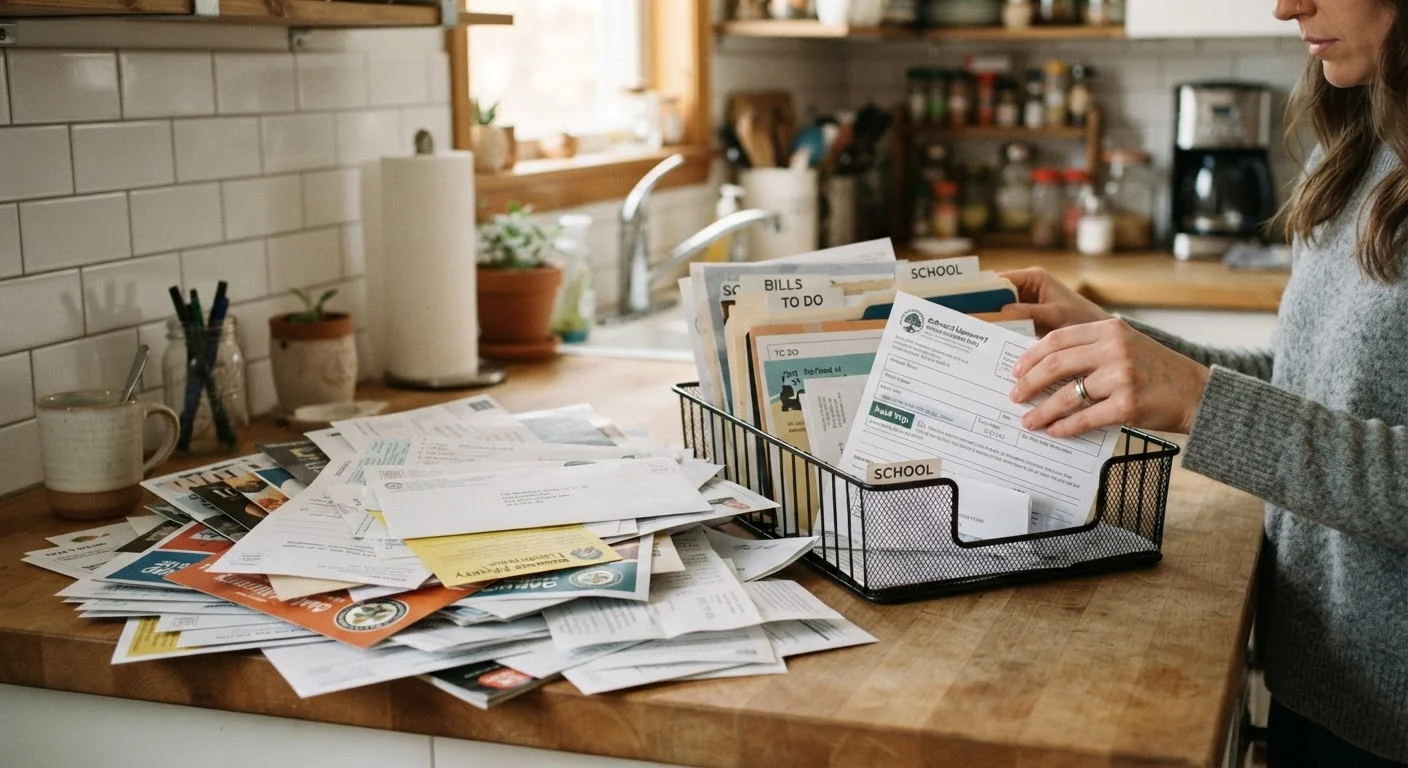
Photo credit: FaqBulletin.com | Information Made Easy
In this article
Mail, school forms, receipts — paper piles up fast. This guide explains why paper clutter is so persistent and walks through practical sorting systems.
Key Takeaways
- Paper accumulates because most households lack a designated decision point for incoming documents.
- A three-zone sorting system — act, file, recycle — handles the vast majority of paper that enters your home.
- Going digital for recurring documents reduces the volume of paper you need to manage long-term.
- Consistent daily habits (two minutes) prevent backlog from rebuilding after an initial clear-out.
- Knowing what to keep and for how long eliminates the anxiety that causes 'just in case' hoarding.
Why Paper Clutter Is Uniquely Stubborn
Unlike physical objects — toys, clothes, kitchen gadgets — paper rarely announces its own importance. A single stack might contain a critical insurance renewal, three expired coupons, a child's artwork, and an unpaid bill, all indistinguishable from the outside. This ambiguity is the root of the problem: because any given piece of paper might matter, most people default to keeping everything, which is how piles grow.
There's also a volume problem. The average American household receives a significant quantity of mail each week, and that's before school folders, work documents, receipts, and printed instructions enter the picture. Paper arrives faster than most households have a system to process it. The result isn't laziness — it's a capacity mismatch. Understanding that framing matters, because the solution isn't willpower; it's infrastructure. For more on how disorganized spaces affect your thinking, see why clutter feels so overwhelming.
Inbox tray or wall-mounted mail sorter
Creates a single designated landing zone for all incoming paper so nothing gets scattered across multiple surfaces.
Accordion file or hanging file folders
Organizes papers that need to be retained into clearly labeled categories for quick retrieval.
Cross-cut shredder
Safely destroys documents containing personal information before recycling.
Recycling bin (desktop size)
Sits at the sorting station so junk mail and non-sensitive papers can be discarded immediately.
Label maker or adhesive labels
Clearly marks folders and bins so every household member can use the system independently.
Flatbed scanner or scanning app
Digitizes documents you want to retain without keeping physical copies, reducing long-term paper volume.
What You'll Need Before You Start
Effective paper management doesn't require elaborate supplies — it requires the right supplies placed in the right location. Gather the following before beginning, so the setup process isn't interrupted by a trip to the store.
What you will need
Note that many organizational myths suggest you need matching bins, color-coded labels, or a Pinterest-perfect setup to get started. In practice, a cardboard box as a temporary filing folder and a felt-tip marker work just as well on day one. What matters is the habit, not the aesthetics. See common home organization myths for more on this point.
Building Your Paper Management System
Follow these steps to set up a sorting station, establish your filing categories, and create the daily habits that prevent backlog from rebuilding. The initial setup takes thirty to ninety minutes; the daily maintenance takes under two minutes once the system is in place.
Don't Toss Before You Know What to Keep
Before discarding financial, legal, or tax-related documents, understand general retention guidelines — for example, tax records are commonly kept for at least three to seven years. Medical records and property documents may need to be kept indefinitely. When in doubt, consult a financial or legal professional before shredding anything you're unsure about.
Gather all existing paper into one location
Before building a system, take a full inventory. Collect every loose paper from countertops, junk drawers, bags, and any other surface where paper has landed. Bring it all to a single cleared table. This step feels uncomfortable — it reveals the true volume — but it's necessary so nothing gets left behind to seed the next pile.
Sort into three zones: Act, File, and Discard
Work through the pile and place each document into one of three physical zones:
- Act: Requires a response, payment, or action — bills due, permission slips, appointment reminders.
- File: No action needed, but must be retained — insurance documents, tax records, medical paperwork, warranties.
- Discard: Junk mail, expired coupons, outdated catalogs, or duplicates. Shred anything with personal information.
Resist creating an in-between pile labeled 'maybe.' If you genuinely cannot decide, place it in File and revisit during your first scheduled review.
Set up a permanent sorting station
Choose a spot near your home's main entry — wherever mail and school papers first enter the house. Install or place your inbox tray, a small recycling bin, and your shredder nearby. This is your paper's one official landing zone. Label it clearly so every household member knows where incoming paper goes, full stop.
Build your filing system with clear, simple categories
Overly complex filing systems collapse quickly. Limit your categories to what you'll actually use. Common categories for most households include:
- Taxes (current year and prior years)
- Insurance (home, auto, health)
- Medical (per family member, if useful)
- Home (mortgage, lease, repair records)
- Vehicles (titles, service records)
- School (current academic year)
- Financial accounts (statements you must retain in paper form)
Label each folder clearly and store them in an accordion file or a small filing cabinet within easy reach — not in storage.
Go digital where it makes sense
Many documents you once received by mail can be switched to electronic delivery: utility bills, bank statements, and explanation-of-benefits forms from insurers. Log into each account and update your delivery preferences. For documents you want to keep but don't want to store physically, scan them and save to a clearly organized folder on a cloud-backed drive. This gradually reduces the paper volume your system needs to handle.
Establish a daily two-minute habit and a monthly review
The initial sort is a one-time project. What prevents backlog from returning is a lightweight daily habit: each day, spend two minutes at your sorting station — open the mail, make the three-zone decision on each piece, and either act immediately, file it, or discard it. Once a month, clear the Act zone of anything lingering and purge the File zone of anything that no longer needs to be retained.
Make the Recycling Bin Impossible to Ignore
Place a small recycling bin and a shredder within arm's reach of your primary sorting spot. When the disposal option is physically convenient, you're far more likely to act immediately instead of setting a paper aside 'for later.' Later is where piles are born.
Once your paper system is stable, consider applying the same room-by-room thinking to the rest of your home. The room-by-room decluttering checklist provides a practical framework for working through the entire house systematically.
Keeping the System Running Over Time
Every organized system eventually faces stress — a busy season, a move, a new family member. The paper system you've built is designed to bend rather than break, but only if the core habit stays intact. When life gets hectic and the inbox tray fills up, the fix is the same as the original setup: one focused sort session to restore the three-zone structure, followed by a return to the daily two-minute habit.
If you find your system reverting to chaos despite genuine effort, the culprit is usually a mismatch between the system's design and your actual behavior — not a character flaw. The same principle that causes closets to revert applies to paper: the system has to fit how you actually live, not how you wish you lived. Adjust the categories, move the sorting station, or simplify the filing structure until it feels frictionless. A system you'll actually use consistently beats a perfect system you abandon.

Author
Home & Garden Editorial Team
Home & Garden Editorial Team is the collective byline for our editorial team and contributor network. Articles published under this byline or an editorial pen name are researched, written, and reviewed according to our editorial standards for clarity, consistency, and independence before publication.
View all articles →